Devoq Design designs the software behind events: registration and ticketing flows, organizer dashboards, attendee apps, check-in tools and hybrid event platforms. Research-led, accessible to WCAG 2.2 AA and drawn with payment and consent rules in mind, with AI used to speed drafts and senior designers deciding what ships.
Event products that work for organizers on the floor and attendees on their phones
Event software is used under pressure. An attendee has ninety seconds to buy a ticket before a session sells out, and the checkout asks for a dietary preference before the card; we order the fields so payment comes first and details come later. A volunteer scans badges in a queue with one bar of signal and the scanner waits on the server for every tap; we design check-in that confirms locally and syncs when it can. An organizer watches registrations move while a sponsor asks for a lead report, and the dashboard needs four clicks to export; we put the numbers a sponsor asks for on the first screen. A speaker whose room changed ten minutes ago still sees the old room in the app; we design updates that push to the agenda, the map and the notification together. We design for those moments, starting with a map of the full event lifecycle, from the first announcement to the post-event survey, then drawing flows for each role that stay fast on a weak connection and clear in a loud hall. Whether you run a conference platform, a ticketing marketplace, a festival app or an internal tool for an events team, we deliver interfaces your attendees finish and your engineers can build.
Our Services
Design services shaped by event management, from attendee apps to ticketing websites:
Event App Design
Attendee apps, agendas, networking, check-in and organizer tools designed mobile-first for low signal and busy venues. Onboarding is one tap from the confirmation email, tickets and maps work offline, and organizers can push a room change in seconds.
Conference, festival and ticketing websites built for fast registration, search visibility and accessible checkout. The first screen answers what, when and where, and every ticket tier explains what it includes before payment is requested.
Event management UI/UX design by Devoq Design covers the parts that decide whether people register and return:
Designed around the event day
We map what each role does before, during and after an event, so screens fit a registration desk, a session room or a sponsor booth rather than an idealized desk setup. Check-in is designed for a queue with a phone in one hand, organizer views for a tablet carried across a hall. A tool built for the office gets abandoned on the day, and staff fall back to spreadsheets and radios.
Payments and privacy handled in the flow
Ticket checkout is drawn for PCI DSS 4.0.1 expectations, and GDPR-style consent for marketing and attendee data sharing is a clear choice rather than a pre-ticked box. Badge scanning permission and sponsor sharing are separate decisions with the reason shown. Where you sell to Australian or New Zealand attendees, the respective Privacy Acts shape what registration asks for and how long it is kept.
Accessible to WCAG 2.2 AA
Seat maps, schedules and forms are checked for contrast, keyboard use and screen-reader structure, with accessibility needs captured at registration. Seat selection, the usual failure in ticketing, gets a list view alongside the map. Captions and transcripts are part of the hybrid design, and the European Accessibility Act is considered for events selling into the EU.
Hybrid formats and AI with restraint
In-person and online attendees get equal footing, and AI matchmaking or session suggestions are designed with opt-in controls so networking feels invited, not forced. 61% of B2B events offer at least one AI feature, matchmaking most common (Event Tech Live 2026), yet only 15% of organizers rate networking as very effective (Bizzabo 2026). Our AI integration work starts with why a match is shown.
Conferences and Trade Shows
Ticketing and Festivals
Hybrid and Virtual Events
Corporate and Community Events
Approach Section
Our Approach to Event Management UI/UX Services
Discovery and Research
01
Interviews with organizers, attendees, exhibitors and on-site staff, plus a review of your registration data, support requests and past event feedback. Where an event is running, we spend a day at the registration desk and in the session rooms to see what breaks.
Wireframes and Prototypes
02
Clickable flows for registration, ticket purchase, agenda building, check-in and reporting, tested with real attendees before visual design. Our wireframe design stage settles the order of fields and steps while changes are still cheap.
UI Design
03
A clear, brandable visual system with accessible color and type, states for sold-out, waitlist and offline, and components your engineers can reuse across events. Ticket tiers, agenda rows, badges and alerts are documented once so a new edition rebrands without redesign.
Usability Testing
04
Task-based sessions on phones and kiosks, including users with assistive technology, with fixes made before handoff. Participants buy a ticket under a time limit and check in with one bar of signal, because those are the conditions the product faces.
Handoff and Optimization
05
Developer-ready files, tokens and documentation, then conversion and engagement improvements as each event season produces data. We review registration drop-off, check-in speed and app activation after every edition and fix the step that lost the most people.
Why Devoq Design?
We make the collaboration of people and interface more intensive and exciting.
Experienced Product Designers
Registration, ticketing and attendee experience treated as one connected brief, with usability, payments and privacy designed together. Our product design team has shipped the full lifecycle, not single screens.
Built for Peak Moments
Flows tested for the on-sale rush, the check-in queue and the last-minute schedule change. Waitlist, sold-out and offline states are designed, not left to chance.
Attendee-First Thinking
Every flow judged by whether a first-time attendee can finish it alone, in a few taps, on a phone. Password-free sign-in from the confirmation email removes the first drop-off.
Organizer Tools That Save Time
Dashboards that show sales, capacity and check-in status at a glance so staff act instead of searching. Sponsor lead reports export in one step from the same screen.
Built to Integrate
Designs that account for CRM, payment, badge printing and streaming integrations so the interface matches what the data can do. Each feed is documented before a screen depends on it.
AI Speed, Senior Review
AI drafts layouts, copy and research summaries about 5x faster; senior designers decide every screen that ships. The time saved goes into more testing with real attendees.
Discover Our Case Studies
Explore Compelling Case Studies: Real Solutions, Real Success Stories
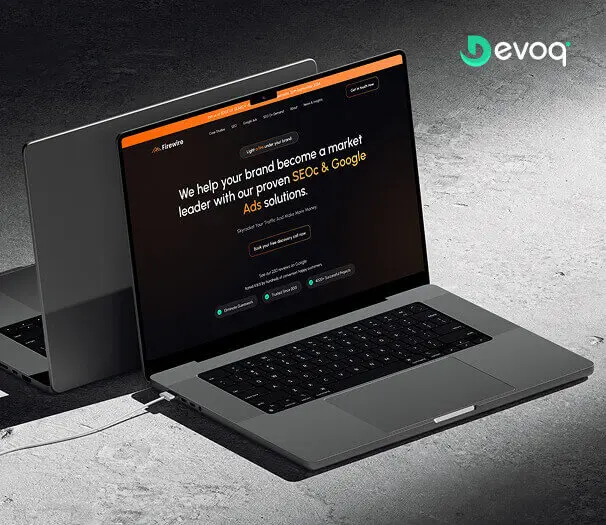
We crafted a sleek and intuitive website for Firewire, a digital marketing company specializing in SEO and Google Ads, to showcase their expertise and results. Our design highlights their data-driven approach to connecting businesses with their audience.
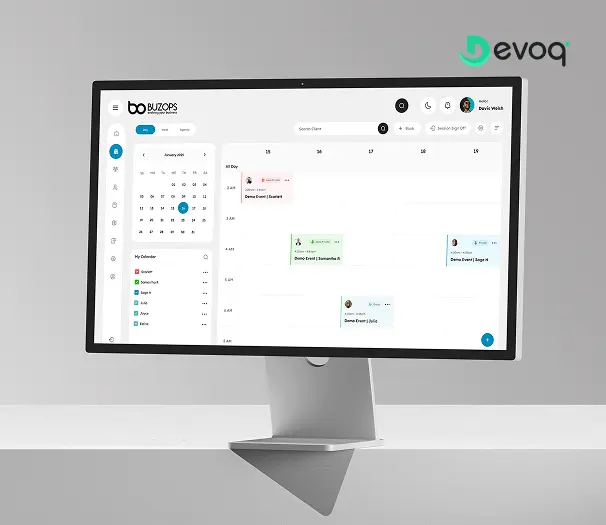
We created a clean and scalable SaaS experience for Buzops, helping businesses manage operations, automate workflows, and improve customer engagement through a unified platform.
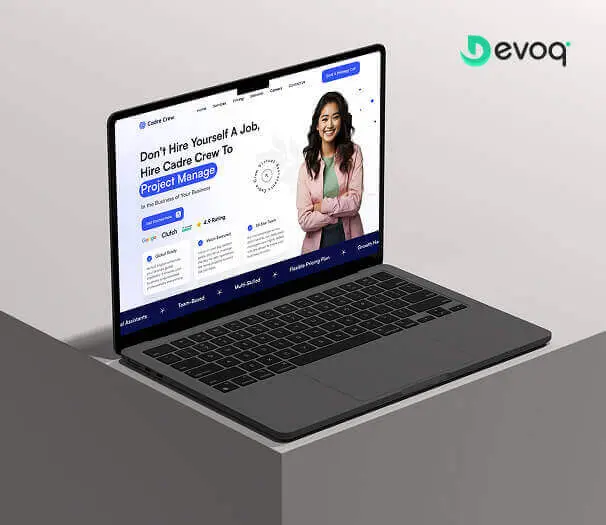
We designed and developed a user-friendly website for Cadre Crew, a company that helps growing businesses scale operations with virtual assistant and project management services. Our goal was to create an intuitive and efficient experience for their users.
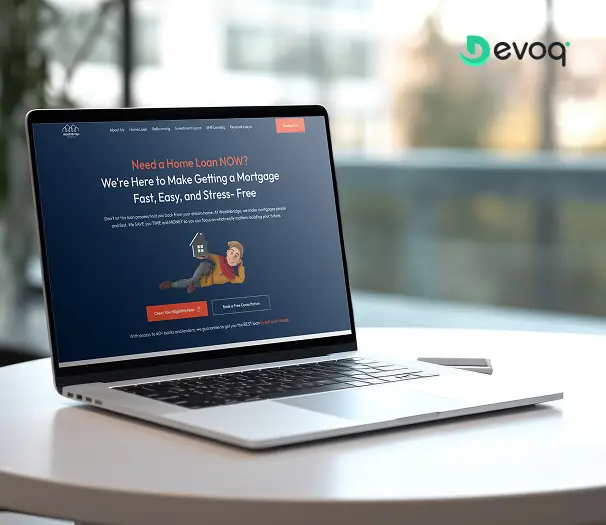
We built a modern online platform for Wealth Bridge, a mortgage and loan comparison service. The goal was a credible, easy-to-use experience that makes complex loan information simple. With a focus on clarity, performance and smooth interaction, the site helps borrowers compare home-loan products and choose the right one with confidence.
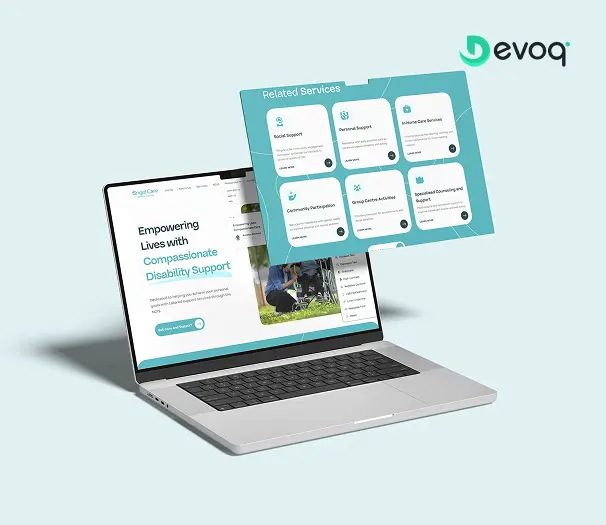
We created a compassionate and accessible digital experience for AngelCare, simplifying care discovery, improving NDIS understanding, and empowering users to access personalized support services with ease.
User research with organizers and attendees, journey mapping, wireframes and clickable prototypes, visual interface design, design systems, accessibility checks and developer handoff for event platforms, ticketing flows, attendee apps and event websites. Each engagement also includes an integration map of your CRM, payment, badge and streaming systems, so screens are designed to the data that exists, and a record of the payment and consent decisions for your compliance review.
Which event formats do you design for?
In-person conferences, trade shows, festivals, corporate meetings, community events and hybrid formats that mix a venue with a live stream. We design equal experiences for remote and on-site attendees so neither group feels like an afterthought: shared agendas, one Q&A queue, and ticket types that state plainly what each audience gets. Recurring events get a themeable system so each edition launches on the last one rather than from scratch.
Can you redesign our existing event platform or registration flow?
Yes. We start with a UX audit and a review of registration drop-off, then redesign the steps that lose people, usually ticket selection, attendee details and payment, while keeping the integrations and data you already have. Changes are staged between editions or outside on-sale windows so a live sale is never disrupted, and each release is measured against the drop-off of the step it replaced.
How do you handle ticket payments and attendee data?
We design checkout for PCI DSS 4.0.1 expectations, keeping card entry on a hosted or tokenized field, and we draw consent and data-sharing choices into registration so GDPR-style requirements are visible to the attendee. Badge scanning, sponsor sharing and marketing are separate, unticked choices with the reason shown, and registration asks only what the ticket needs. We document the decisions for your compliance review rather than offering legal advice.
Do you design AI features for event products?
Yes. Event Tech Live 2026 reports that 61% of B2B events offer at least one AI feature, with matchmaking the most common. We design matchmaking, session suggestions and chat help with opt-in controls and a clear reason shown for each recommendation. Attendees can dismiss a match without explanation, assistants state which event content they used, and anything the assistant cannot answer routes to a human organizer with the conversation attached.
How much does event management UI/UX design cost?
It depends on the number of user types, screens and integrations and on whether research and testing are included. A registration and checkout redesign for one conference is a smaller scope than a multi-event platform with attendee, organizer, exhibitor and sponsor roles. After a short discovery call we quote a fixed price for a defined product or a monthly retainer for platforms that evolve each season as new event types and features are added.
How long does an event design project take?
The drivers are the number of roles and flows, how many integrations the designs must be checked against, whether a design system for recurring editions is in scope, and whether attendee research and testing are included. Event work also has hard dates: on-sale and doors-open fix the calendar. We set the schedule in the discovery call and plan releases backwards from those dates, so a new checkout is tested well before tickets go on sale.
Who owns the designs and the research?
You do, from the first week. Figma files, research recordings and documentation live in your own accounts and the contract assigns the IP to you. The design system, tokens and component documentation are built so your team or another vendor can run the next edition without us, and we hand over a written guide to the decisions behind each flow so the reasoning is not lost when people change.