Attendee apps, networking, check-in and organizer tools
Event App Design and Development Services
Devoq Design provides event app development services for iOS, Android and web: attendee apps with personal agendas and maps, networking and chat, QR check-in and badge scanning, live polls and Q&A, and organizer consoles that show what is happening in the venue now. Designed as one system, built with your engineers or ours.
Event app development with design that attendees keep open all day
Most event apps are downloaded once and forgotten. An attendee at the registration desk is asked for a password they never set, gives up and uses the printed programme; we make onboarding a single tap from the confirmation email. A delegate in a basement hall with no signal opens the map and gets a blank tile; we cache tickets, maps and saved sessions on the device. An exhibitor scanning leads at a busy stand waits on the server for every badge; we confirm each scan locally and sync in the background. An organizer who needs to move a keynote to another room sends a notification, but the agenda and the map still show the old room; we design room changes that update the schedule, the map and the alert together. We design for the whole event day, and everything lives in a design system with tokens and documented components, so each new event can reuse the product instead of rebuilding it.
Our Services
Product design and development for conferences, festivals, trade shows, ticketing platforms and corporate events:
Attendee Onboarding and Agenda
One-tap sign-in, personal schedules, reminders, maps and venue information that keep attendees oriented from arrival to departure. The home screen leads with the next session and the route to it, not with a menu.
Networking and Engagement
Profiles, meeting requests, chat, polls, Q&A and gamification designed so conversations start without social awkwardness. Visibility is opt-in, a meeting request carries a reason, and declining is one tap with no explanation needed.
Tickets, Check-In and Badge Scanning
Wallet-ready tickets, QR check-in, lead capture for exhibitors and offline modes designed for queues and weak signal. Each scan confirms on the device and syncs later, so a queue never waits on the venue network.
Organizer Dashboards and Live Control
Capacity, attendance, session ratings and push messaging in one console so staff can respond while the event is running. A room change updates the agenda, the map and the notification in one action.
Hybrid Streaming and AI Assistants
Live and on-demand sessions, translations and chat assistants with scope, sources and a clear route to a human organizer. Remote attendees join the same Q&A queue and polls as the room.
Features/Why Choose Us
Works when the venue network does not
Tickets, agenda, maps and saved sessions are designed to load offline, with clear sync states when the connection returns. We test prototypes in airplane mode and on throttled connections, because convention centres, basements and festival fields are where the app is needed most. An app that spins at the door is closed and never reopened.
Networking people actually use
Event Tech Live 2026 reports matchmaking as the most common AI feature at B2B events; we design it with opt-in profiles, a stated reason for each match and an easy way to decline. Meeting requests carry a short why, slots are tied to the agenda so a meeting never clashes with a saved session, and no-shows are easy to report, which keeps the feature trusted.
Privacy and consent in the flow
Badge scans, profile visibility and sharing with sponsors are explicit choices aligned with GDPR consent, with ticket payments designed around PCI DSS 4.0.1. An attendee sees who scanned them and what was shared, and can change visibility during the event. For Australian and New Zealand audiences the respective Privacy Acts shape the data the app requests and keeps.
Accessible and hybrid-ready
Designed to WCAG 2.2 AA, with captions, adjustable text and equal access to sessions for remote and on-site attendees. Maps get a text route alternative, polls and Q&A work with a screen reader, and colour is never the only signal for a full session. The European Accessibility Act is considered for events with EU attendees.
Conference Apps
Festival and Music Apps
Trade Show and Exhibitor Apps
Hybrid Event Platforms
Approach Section
Discovery and Research
01
Interviews with attendees, organizers and exhibitors, plus a review of past app usage, support tickets and event surveys to find where people drop off. Activation on day one and the first screen opened at the venue tell us what the app is actually for.
Flows and Prototypes
02
Clickable prototypes for onboarding, agenda, check-in, networking and live control, tested with real attendees on their own phones. Participants find a session, a room and a person under a time limit, with the connection throttled to venue conditions.
UI and Design System
03
A token-based system with documented components and states, themeable per event so one app serves many editions. Our design systems work means a rebrand for the next edition is a token change, not a redesign.
Build and QA
04
Front-end development with your team or ours, tested for offline use, load spikes at doors-open and a range of devices. Our mobile app development team builds from the same system the designers used, so what ships matches what was tested.
Launch and Optimization
05
Instrumented releases, then adoption and engagement improvements prioritized from live event data. After each edition we review activation, daily opens and session attendance against the targets set at the start and fix the weakest step first.
Why Devoq Design?
We make the collaboration of people and interface more intensive and exciting.
Designers Who Think in Event Days
Arrival, session changeover and departure shape every screen, not an abstract feature list. We ask what an attendee needs at 8:55 outside a full room, and design that first.
One System for Many Events
A themeable design system so each edition launches faster and stays consistent. Components carry every state, including sold out, waitlist and offline, so nothing is redrawn per event.
Measured Against Adoption
Activation, daily use and session attendance targets set up front and reviewed after each event. The next release is chosen from that data, not from a feature wish list.
Organizer Control Built In
Live messaging, room changes and capacity alerts designed as core features, not admin extras. Staff run the day from a phone on the floor, not from a laptop in the office.
Networking Without Pressure
Opt-in discovery and meeting patterns that respect attendee choice, relevant when Bizzabo 2026 shows only 15% of organizers rate networking very effective. Every match shows its reason.
AI Speed, Senior Review
AI drafts layouts, copy and research summaries about 5x faster; senior designers decide every screen that ships. The time saved goes into more testing with attendees at real venues.
Discover Our Case Studies
Explore Compelling Case Studies: Real Solutions, Real Success Stories
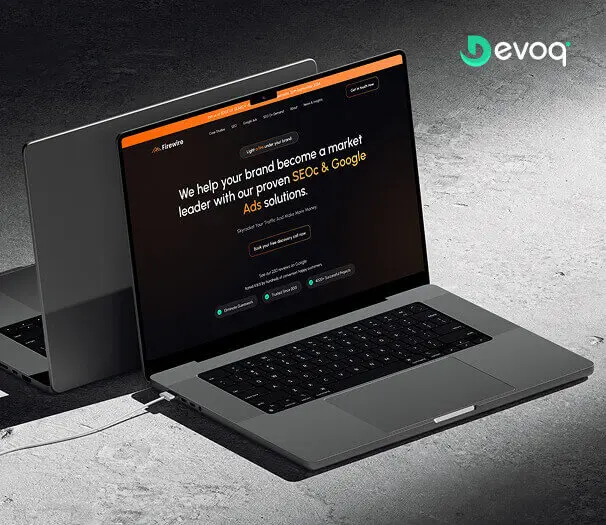
We crafted a sleek and intuitive website for Firewire, a digital marketing company specializing in SEO and Google Ads, to showcase their expertise and results. Our design highlights their data-driven approach to connecting businesses with their audience.
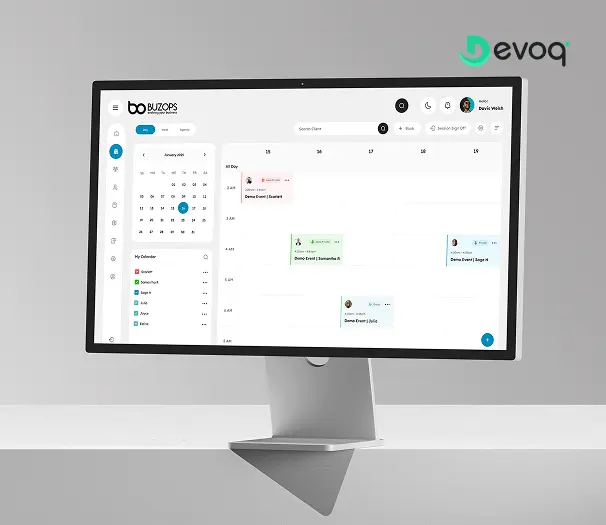
We created a clean and scalable SaaS experience for Buzops, helping businesses manage operations, automate workflows, and improve customer engagement through a unified platform.
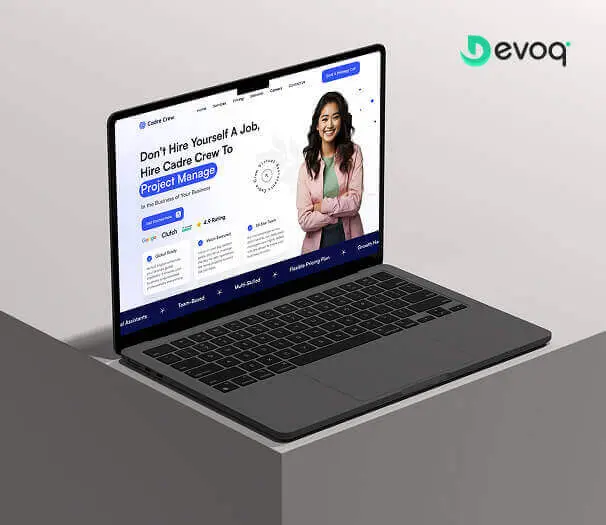
We designed and developed a user-friendly website for Cadre Crew, a company that helps growing businesses scale operations with virtual assistant and project management services. Our goal was to create an intuitive and efficient experience for their users.
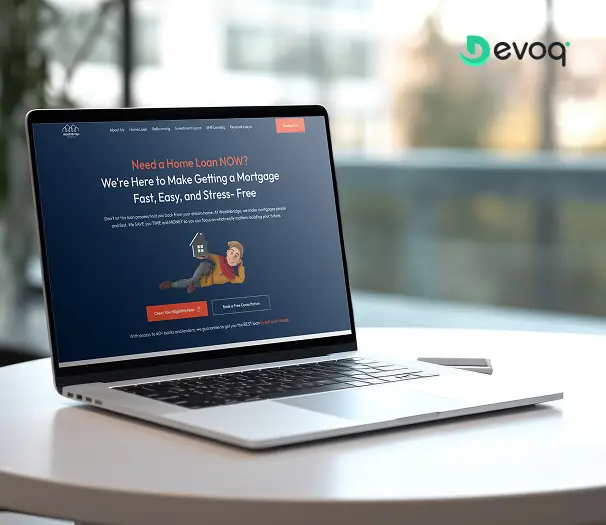
We built a modern online platform for Wealth Bridge, a mortgage and loan comparison service. The goal was a credible, easy-to-use experience that makes complex loan information simple. With a focus on clarity, performance and smooth interaction, the site helps borrowers compare home-loan products and choose the right one with confidence.
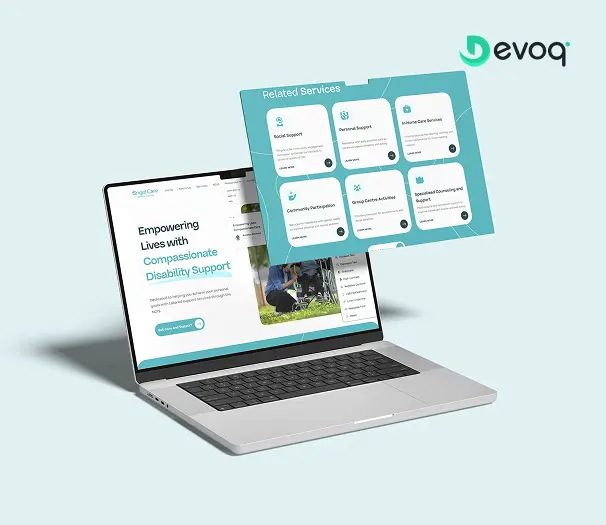
We created a compassionate and accessible digital experience for AngelCare, simplifying care discovery, improving NDIS understanding, and empowering users to access personalized support services with ease.
What do your event app development services include?
User research, information architecture, clickable prototypes, visual design, a design system, front-end development with your engineers or ours, accessibility checks, analytics instrumentation and post-launch optimization for iOS, Android and web event apps. Each engagement also includes offline design for tickets, maps and check-in, an integration map of your registration, CRM, badge and streaming systems, and a record of the payment and consent decisions for your compliance review.
Do you build native apps or web apps for events?
Either, depending on your audience and budget. A progressive web app suits one-off events with quick onboarding, while a native app suits recurring events that need wallet tickets, push messaging and strong offline support. For recurring events we often recommend a cross-platform build, and a React Native developer from our team can work alongside your engineers. The design system is the same in every case, so the choice can change between editions without a redesign.
Can you redesign our existing event app?
Yes. We audit the app, store reviews and usage analytics, then redesign the flows that cause drop-off or support load, usually onboarding, agenda and check-in, while keeping your backend and integrations in place. Changes are staged between editions, and the new flows are tested with attendees under venue conditions before the next event. Each release is measured against the activation and daily-use numbers of the version it replaced, so the improvement is visible to the organizers paying for it.
How much does event app development cost?
It depends on the platforms, number of user roles and features, whether a design system is needed and whether we build the front end. An attendee app for one annual conference is a smaller scope than a multi-event platform with attendee, exhibitor, speaker and organizer roles and hybrid streaming. After a short discovery call we scope a fixed price for a defined release or a monthly retainer for continuing work across several editions a year.
How long does an event app project take?
The drivers are the number of roles and flows, offline and check-in requirements, how many systems must be integrated, whether a themeable design system is in scope, and whether attendee research and testing are included. Event apps also have a hard date: the app must be in the stores before registration emails go out. We set the schedule in the discovery call and plan backwards from that date, with a release in the stores well ahead of the event for testing.
How do you design AI matchmaking and assistants for events?
Attendees opt in, see why a person or session was suggested and can dismiss it. Assistants state their scope, cite the event content they use and offer a route to a human organizer when they cannot help. We keep a plain agenda and attendee list one tap away for people who prefer to browse, and we never let AI send a message on an attendee's behalf. Each recommendation is instrumented so organizers can see whether it led to a saved session or a meeting.
How do you handle ticket payments and attendee privacy?
Payments run through a tokenized provider flow designed to PCI DSS 4.0.1 expectations, and consent for profile visibility, badge scanning and sponsor sharing is separate, plainly worded and reversible, in line with GDPR principles. An attendee can see who scanned their badge and what was shared, and change visibility during the event. For Australian and New Zealand audiences the respective Privacy Acts shape what the app asks for. We document the decisions for your compliance review rather than offering legal advice.
Do you support hybrid events with both venue and online audiences?
Yes. We design shared agendas, live streams, chat and Q&A so remote attendees interact with on-site speakers and each other, and organizers can see both audiences in one dashboard. Remote attendees join the same Q&A queue and polls as the room, session times show in the viewer's time zone, and recordings appear in the agenda as soon as they are available. Files, the design system and any code we write are yours from the first week, with the IP assigned in the contract.